Managing social media across multiple platforms is one of those tasks that never gets easier, no matter how many tools you try. You draft content for LinkedIn, resize images for Instagram, write captions for X, schedule posts for TikTok… and before you know it, you have spent half your week just publishing. What if your AI could do all that for you?
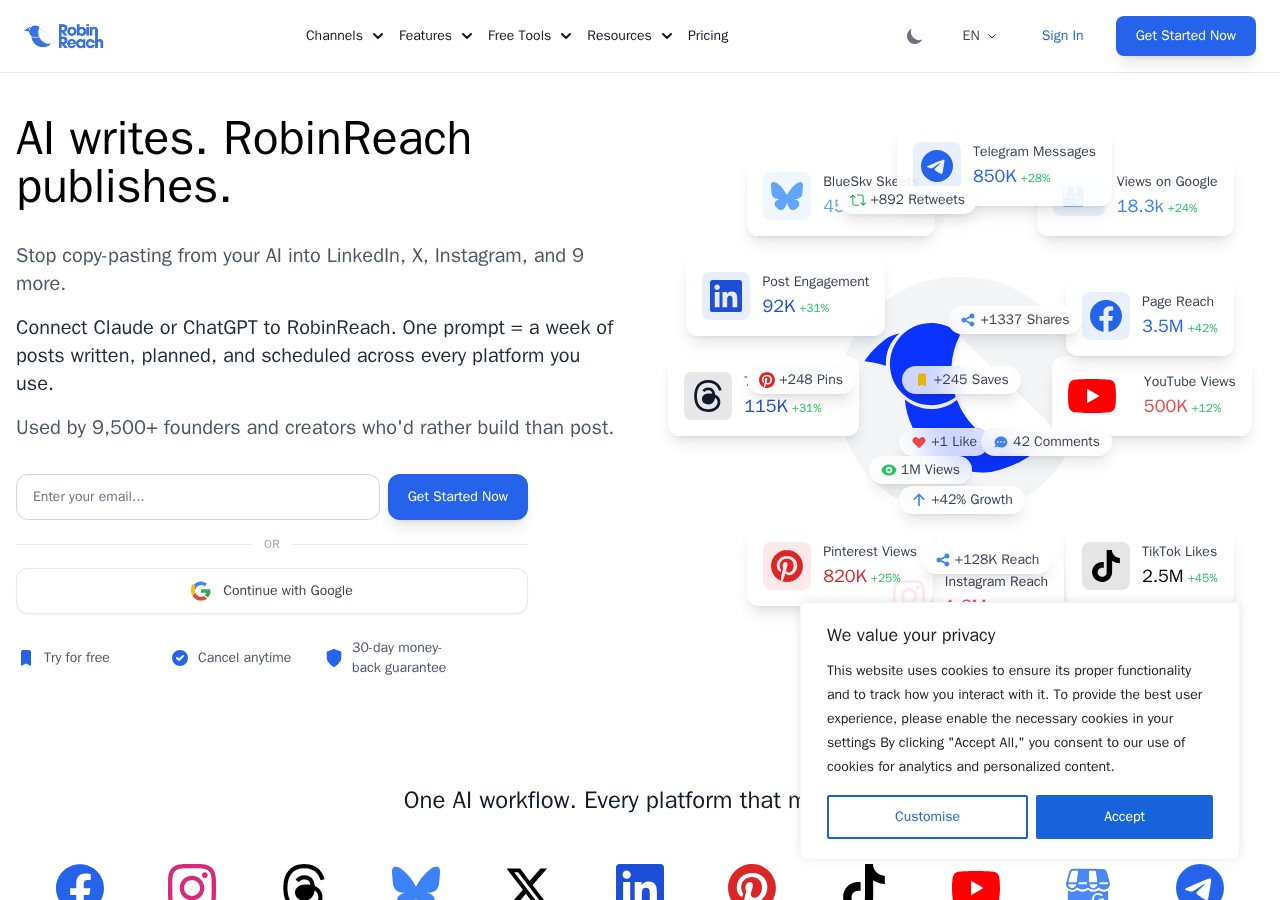
That is exactly what RobinReach promises. This AI powered social media management tool connects directly to Claude, ChatGPT, or any MCP compatible AI and gives it real access to plan, write, schedule, and publish content across 12 platforms. One conversation with your AI, and your entire social calendar is handled.
I have tested RobinReach thoroughly for this review, and I want to share everything you need to know before you decide whether it is worth your money. Let us dive in.
What is RobinReach?
RobinReach is an all in one social media management and automation platform built for small businesses, agencies, freelancers, and creators. What makes it different from tools like Buffer or Hootsuite is its deep AI integration. Instead of manually creating each post, you can let your AI assistant handle the heavy lifting.
The platform was founded by Shaher Shamroukh in London, UK in November 2023. It is a bootstrapped startup that has grown to over 9,500 customers. The core idea behind RobinReach is simple: if AI can write your content, why should you still be copy pasting it into each platform manually?
RobinReach solves this by giving your AI direct access to publish through its native MCP (Model Context Protocol) integration. You connect Claude, ChatGPT, or Codex once, and your AI can schedule a full week of posts across multiple platforms from a single conversation.
Main Features of RobinReach
RobinReach packs a lot of features into a clean interface. Here is a breakdown of what you actually get.
MCP Integration: Let Your AI Run Your Social Media
This is the standout feature. RobinReach ships a native MCP server that works with Claude, ChatGPT, Codex CLI, or any MCP compatible AI tool. You connect it with a single URL, and your AI gets access to 40+ actions including creating posts, scheduling content, managing media, and generating reports.
Imagine telling Claude “Plan and schedule a week of LinkedIn posts about our new product launch” and watching it actually happen. No copy paste. No manual scheduling. Your AI handles everything inside the platform.
Cross Platform Publishing on 12 Networks
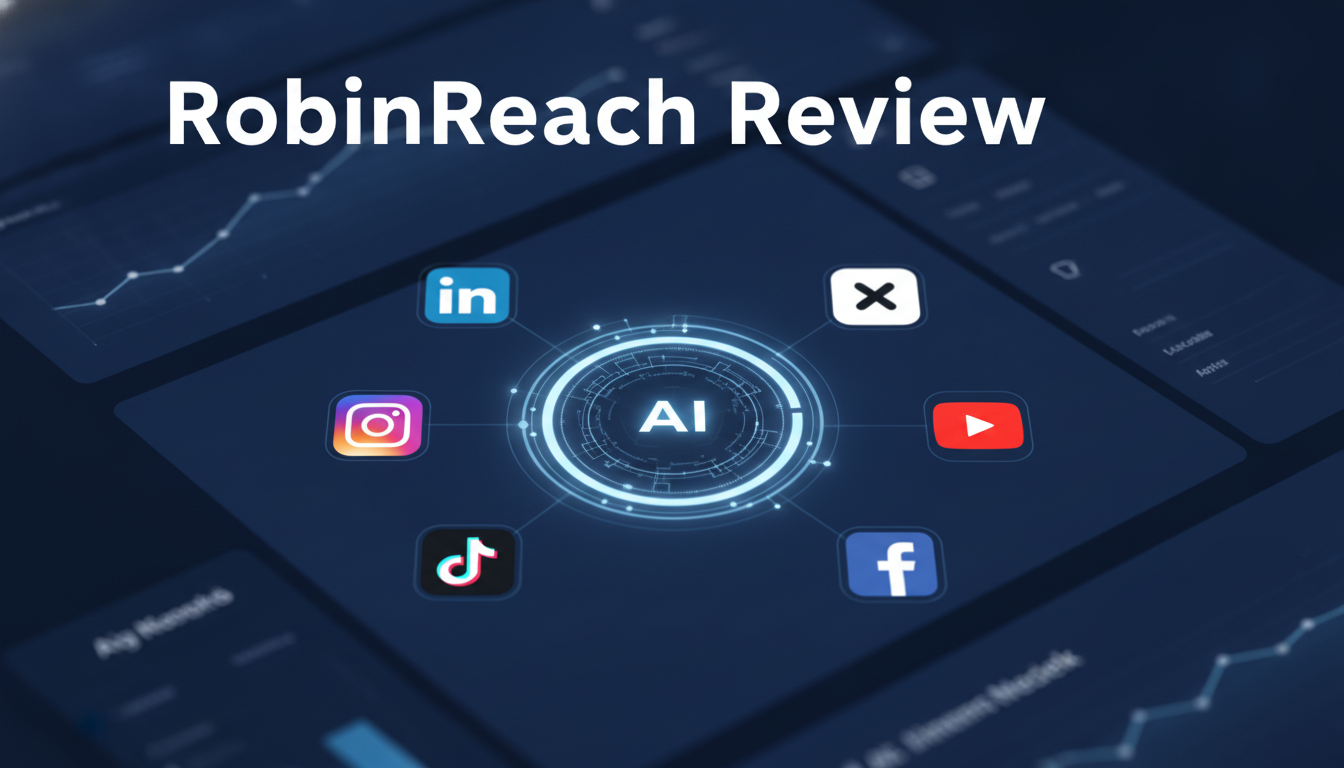
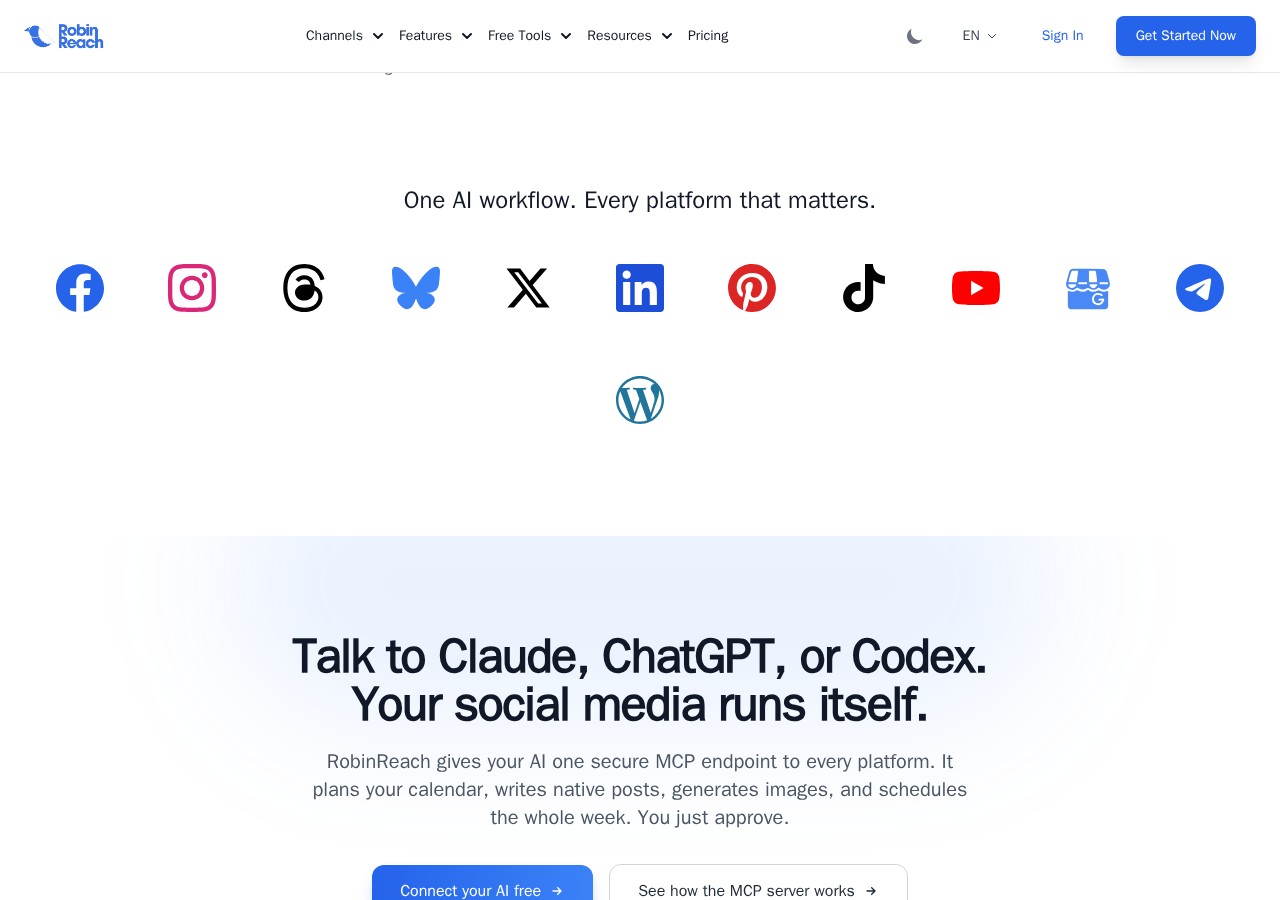
RobinReach supports native publishing to 12 platforms: Facebook, Instagram, LinkedIn, X (Twitter), YouTube, TikTok, Pinterest, Threads, Bluesky, Telegram, Google Business Profile, and WordPress. You write your content once, and RobinReach adapts it for each platform automatically.
You can adjust captions, hashtags, and formats per network with live preview before scheduling. This means your Instagram post looks native to Instagram, your LinkedIn post feels professional, and your TikTok video keeps the right aspect ratio.
AI Content Creation with RobinGen
RobinReach includes a built in AI writing assistant called RobinGen. It can generate on brand captions, copy, comments, and image descriptions. You also get RobinPixel for AI image generation and access to an integrated Unsplash library for stock photos.
The AI adapts to your brand voice. You can set up a Brand Kit with your brand tone, mission, and style preferences, and all generated content will match your identity.
Content Repurposing
One of the most time saving features is automatic content repurposing. Upload a TikTok video, Instagram Reel, or YouTube Shorts once, and RobinReach reformats it natively for every other platform. Vertical becomes the right aspect ratio for each network. Captions adapt. Hashtags adjust.
This feature alone can save hours of manual re editing every week.
Visual Calendar and Bulk Scheduling
The unified calendar gives you a bird’s eye view of all your scheduled content. You can drag and drop posts, queue a full month of content, and set everything on autopilot. For high volume users, bulk CSV upload is supported.
E Commerce and RSS Automation
RobinReach connects directly to Shopify, WooCommerce, Etsy, and WordPress. Every time you add a new product, RobinReach automatically fetches the title, description, and image, then generates a ready to publish social post. RSS feed integration works the same way new content from any RSS source gets turned into scheduled posts automatically.
Analytics and Reporting
Basic analytics are available on all plans, while higher tiers get advanced analytics with PDF report exports. You can track post performance, engagement metrics, and adjust your strategy based on real data.
Unified Inbox (Engage)
RobinReach offers a community inbox where you can reply to comments across platforms. Currently supports Facebook and LinkedIn, with more platforms on the way.
Pros
- Deep MCP integration: RobinReach is one of the few tools that gives your AI real publishing access. This is genuinely unique and powerful.
- 12 platform support: Covers almost every major social network including newer ones like Threads, Bluesky, and Telegram.
- Content repurposing: Automatic reformatting across platforms saves hours of manual work.
- E commerce integrations: Direct Shopify, WooCommerce, and Etsy connections mean your product launches get posted automatically.
- Affordable lifetime deal: Starting at $69 for lifetime access, this is significantly cheaper than monthly subscriptions to Buffer or Hootsuite.
- Excellent customer support: Users consistently praise the support team’s responsiveness. The founder is active in the community.
- Clean, intuitive interface: The dashboard is well designed and easy to navigate even for beginners.
- Brand Kit and AI voice consistency: Your AI generated content stays on brand.
Cons
- AI image generation limits: Even on higher tiers, AI image generation is capped. Tier 1 only gets 20 images per month.
- Repurposing is limited on lower tiers: Tier 1 only includes 1 repurposing task per month, which is quite restrictive.
- Engage inbox is still limited: Currently only supports Facebook and LinkedIn replies. More platforms are promised but not yet delivered.
- No Facebook Groups support: Due to Meta API limitations, you cannot automate posting to Facebook Groups.
- X (Twitter) accounts only on Tier 2+: Tier 1 does not include Twitter/X support, which is a notable gap.
- Learning curve for MCP setup: While the MCP integration is powerful, users unfamiliar with AI tools may find the initial setup challenging.
Also Read: VocalLab AI Review: The Best ElevenLabs Alternative in 2026?
Who Is It Best For?
RobinReach is ideal for:
- Small business owners who need to maintain a social media presence but do not have time to manually post every day
- Social media managers handling multiple client accounts who want to streamline their workflow
- Solopreneurs and freelancers who wear many hats and need to automate repetitive tasks
- Agencies managing multiple brands who need per brand workspaces and approval workflows
- E commerce store owners who want to automatically promote new products on social media
- Content creators who post across multiple platforms and need content repurposing
If you are already using Claude, ChatGPT, or any AI tool regularly, RobinReach will feel like a natural extension of your workflow. If you prefer fully manual control, the platform still works well as a traditional scheduler.
Real Use Cases
Agency Managing 10+ Clients
An agency can set up separate Brands for each client, connect their social profiles, and use the approval workflow to ensure content passes review before publishing. The MCP integration lets the agency’s AI assistant draft content for all clients in a single session.
E Commerce Store Launching Weekly Products
A WooCommerce store owner connects their store to RobinReach. Every time they add a new product, RobinReach automatically pulls the title, description, and image, and schedules posts on Facebook, Instagram, and Pinterest. No manual work required.
Content Creator Repurposing Videos
A TikTok creator uploads their vertical video once. RobinReach reformats it for YouTube Shorts, Instagram Reels, and Facebook. The creator saves hours of re editing every week and reaches audiences on every platform.
Pricing
RobinReach offers four license tiers on AppSumo, all lifetime access:
| Feature | Tier 1 ($69) | Tier 2 ($169) | Tier 3 ($369) | Tier 4 ($719) |
|---|---|---|---|---|
| Brands | 2 | 5 | 15 | Unlimited |
| Members | 1 | 5 | 15 | Unlimited |
| Social Profiles | 5 | 15 | 40 | 200 |
| Media Library | 5 GB | 15 GB | 50 GB | 100 GB |
| AI Text Posts | 200/month | 500/month | Unlimited | Unlimited |
| AI Images | 20/month | 50/month | 100/month | 500/month |
| Repurposing Tasks | 1/month | 3/month | 10/month | Unlimited |
| X (Twitter) Accounts | N/A | 1 | 3 | 10 |
| Analytics | Basic | Advanced | Advanced+PDF | Advanced+PDF |
All plans include API access, MCP integration, BYOK (Bring Your Own Key), and integrations with creative tools, e commerce platforms, and WordPress. The deal comes with a 60 day money back guarantee.
Compared to Buffer at $6/month per channel or Hootsuite at $99/month, the lifetime pricing here is exceptional value especially if you grab the AppSumo lifetime deal.
AppSumo Lifetime Deal Overview
RobinReach is currently available on AppSumo with a lifetime deal. This means you pay once and own the software forever. No monthly fees, no recurring charges.
The deal is available in four tiers. Most individuals and small businesses will find Tier 1 ($69) sufficient with 2 brands, 5 social profiles, and 200 AI text posts per month. Agencies should consider Tier 2 ($169) or higher for more profiles and team members.
Key deal terms:
- Lifetime access to RobinReach
- All future plan updates included
- 60 day money back guarantee
- Activate within 60 days of purchase
- Ability to upgrade between tiers
Previous AppSumo purchasers from the first launch are fully grandfathered into their original limits.
Ease of Use
Setting up RobinReach is straightforward. You create an account, connect your social profiles one by one, and you are ready to go. Most users report getting their first posts scheduled within 15 minutes.
The dashboard is clean and well organized. The calendar view gives you an instant overview of your content schedule. The AI content generation tools are accessed through simple prompts and templates.
The MCP integration requires a bit more technical knowledge. You need to know how to connect an MCP server to your AI tool. However, RobinReach provides clear documentation and the setup is a single URL, so it is not overly complex.
Performance
RobinReach performs well in day to day use. The platform is fast and responsive. Posts schedule on time, and cross posting happens reliably. The content repurposing feature works smoothly, automatically adjusting aspect ratios and formats.
The MCP server responds quickly, with most actions completing in under 2 seconds. The platform handled bulk operations like CSV uploads and multi platform scheduling without any noticeable slowdowns.
One area for improvement is the AI image generation quality. While functional, it does not match dedicated tools like Midjourney or DALL E 3. For most social media use cases it is adequate, but you may want to use external tools for high quality visuals.
Integrations
RobinReach offers a solid set of integrations beyond the 12 social platforms:
- Bitly and Switchy for link shortening and tracking
- Canva for design and graphics
- Shopify, WooCommerce, Etsy for e commerce automation
- WordPress for blog to social auto posting
- RSS feeds for content syndication
- REST API for custom integrations
- MCP protocol for AI tool connectivity
The platform does not currently connect to Zapier or Pabbly Connect directly, but the REST API covers most custom integration needs.
Customer Support
Customer support is one of RobinReach’s strongest areas. The team boasts a 30 minute response time and a 96% satisfaction score. Users consistently mention that the founder Shaher and his team are responsive and actively implement feature requests.
Support is available through live chat on the website. The team is based in London, UK, and typically responds within 24 hours even for non urgent queries.
Alternatives
RobinReach competes with several established tools in the social media management space:
Buffer
Buffer is the most well known alternative. It is reliable and simple but lacks deep AI integration. Buffer starts at $6/month per channel, which adds up quickly if you manage multiple platforms. RobinReach offers far more features at a lower lifetime price.
Hootsuite
Hootsuite is the enterprise standard but costs $99/month for the professional plan. It includes analytics and team features but has limited AI capabilities and no MCP integration. RobinReach is a more cost effective alternative for small to medium businesses.
Publer
Publer is another affordable alternative with similar features. It offers solid scheduling and analytics but lacks the MCP AI integration that makes RobinReach unique. RobinReach’s AI capabilities give it a clear edge for users who want automation.
Final Verdict
RobinReach is a genuinely impressive social media management tool that stands out in a crowded market. Its native MCP integration is a game changer for anyone already using AI tools like Claude or ChatGPT. The ability to plan, schedule, and publish across 12 platforms from a single AI conversation is something no other tool in this price range offers.
Is it perfect? No. The lower tiers have restrictive limits on repurposing and AI images. The Engage inbox needs more platform support. And the MCP setup may intimidate less technical users. But these are minor trade offs for a tool that costs $69 for lifetime access.
For small business owners, social media managers, and creators who want to automate their social presence without paying monthly fees, RobinReach is an excellent investment. If you are already using AI in your workflow, it is a no brainer.
I recommend starting with Tier 1 on AppSumo and upgrading later if you need more profiles or features. The 60 day guarantee means you can test it risk free.
Frequently Asked Questions
What is RobinReach and how does it work?
RobinReach is an AI powered social media management platform that lets you schedule, publish, and repurpose content across 12 platforms. Its unique feature is native MCP integration, allowing AI tools like Claude and ChatGPT to manage your social media directly through conversation.
How much does RobinReach cost?
RobinReach is available on AppSumo starting at $69 for lifetime access (Tier 1). Higher tiers cost $169, $369, and $719 with increasing limits on brands, profiles, AI content, and team members. All plans include lifetime updates and a 60 day money back guarantee.
Which social media platforms does RobinReach support?
RobinReach supports 12 platforms: Facebook, Instagram, LinkedIn, X (Twitter), YouTube, TikTok, Pinterest, Threads, Bluesky, Telegram, Google Business Profile, and WordPress. You can publish natively to all of them from one dashboard.
Does RobinReach work with ChatGPT and Claude?
Yes. RobinReach offers native MCP (Model Context Protocol) integration that works with Claude, ChatGPT, Codex CLI, and any MCP compatible AI. You connect with a single URL and your AI gets 40+ actions for managing your social media.
Is RobinReach better than Buffer or Hootsuite?
RobinReach offers more AI features at a lower price than both Buffer and Hootsuite. While Buffer is simpler and Hootsuite is more enterprise focused, RobinReach’s MCP integration and lifetime pricing make it a better value for most small to medium businesses.
Can I try RobinReach before buying?
RobinReach does not offer a free trial directly, but the AppSumo deal comes with a 60 day money back guarantee. This effectively lets you test the full product risk free for two months.